Recommended Badge
Recommended badges help guide visitors toward the plan you want to emphasize.
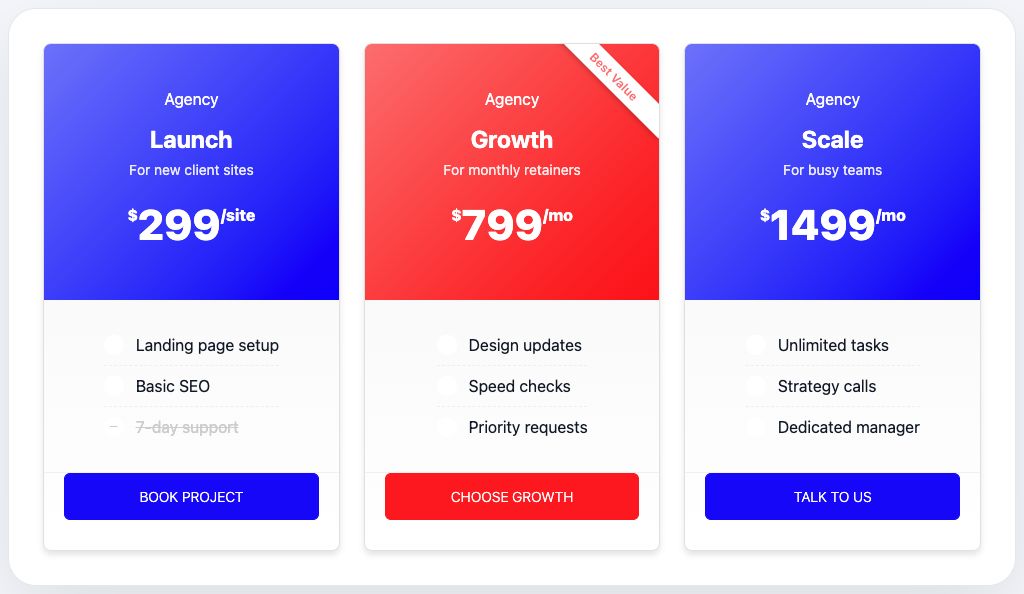
Enable a recommended plan
- Select the Pricing Plans widget.
- Open the plan you want to highlight.
- Enable Recommended.
- Add badge text such as Popular or Best Value.
- Choose the ribbon style.
Style the badge
In the Style tab, open Recommended Plan to adjust badge text color, background, typography, spacing, radius, and shadow.
Pro users also get advanced badge positioning and transform controls.